Mobile App
Add JBTN to your iPhone or Android home screen.
Install Jailbreak Trading Network
Add JBTN to your home screen or computer and open it like an app on iPhone, iPad, Android, Windows, or Mac, with no app store needed.
- Opens full screen without the browser's address bar.
- One tap from your home screen to values, calculators, and the marketplace.
- Always up to date: it is the website, so there is nothing to update.
- Takes almost no storage, with no app store download needed.
See How It Works
Watch each step on a simulated phone, or tap a step to jump to it.
 Jailbreak Trading NetworkFan-Run Value Database
All Values
Browse every limited-item category in one place.
 Obtainable ItemHyper Shift 5Reference OnlyHyper Shift 4
 Event ExclusiveJavelin
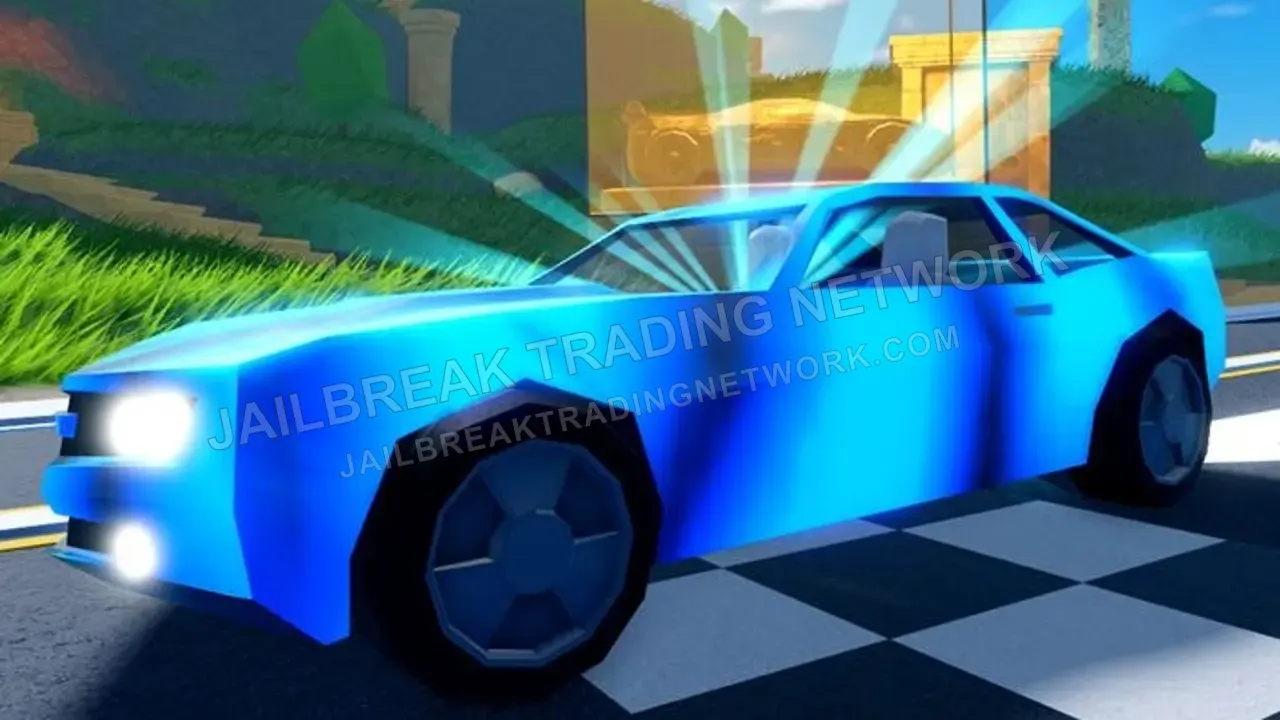
 Obtainable ItemBlue 5
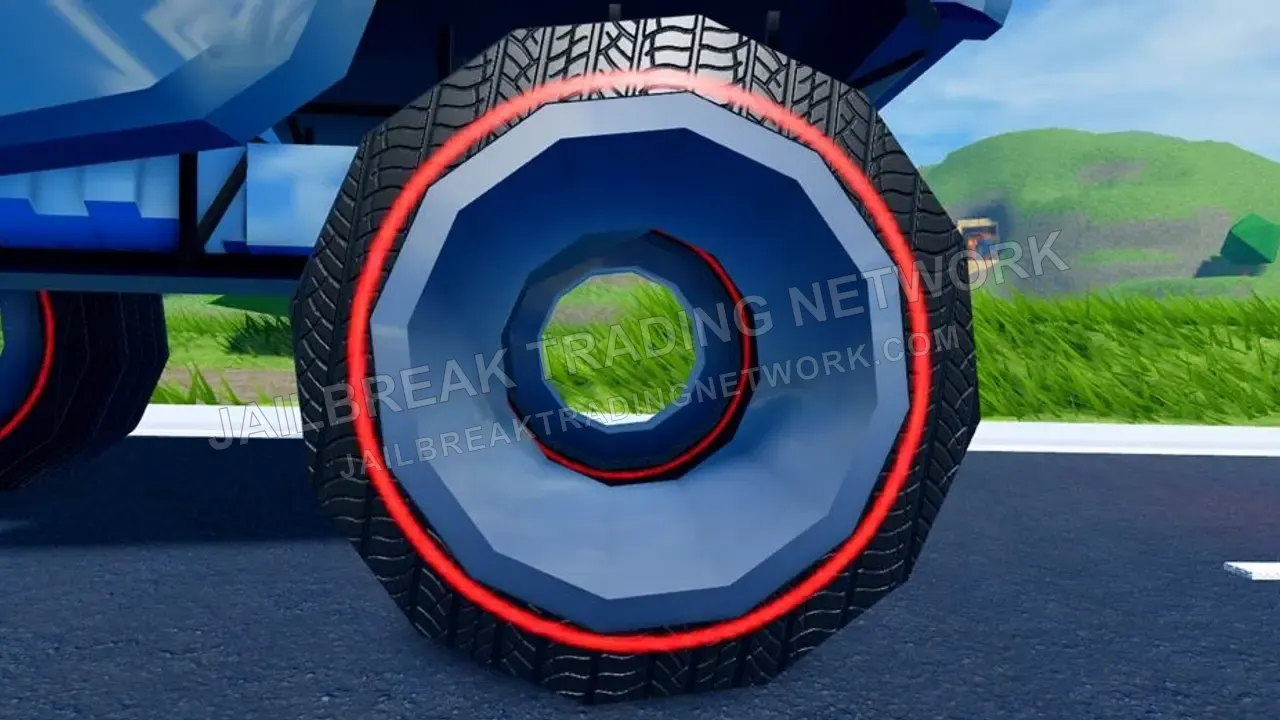
 Obtainable ItemDiamond 5
 Season LimitedVoid
 All Values | Roblox Jailbreak Trading NetworkJailbreakTradingNetwork.comOptionsJBTNhttps://www.JailbreakTradingNetwork.com/
An icon will be added to your Home Screen so you can quickly access this website.
JBTNJailbreak Trading NetworkFan-Run Value DatabaseAll Values
Browse every limited-item category in one place.
Obtainable ItemHyper Shift 5Reference OnlyHyper Shift 4Event ExclusiveJavelinObtainable ItemBlue 5Obtainable ItemDiamond 5Season LimitedVoidJailbreak Trading NetworkFan-Run Value DatabaseAll Values
Browse every limited-item category in one place.
Obtainable ItemHyper Shift 5Reference OnlyHyper Shift 4Event ExclusiveJavelinObtainable ItemBlue 5Obtainable ItemDiamond 5Season LimitedVoidJBTNJailbreak Trading NetworkFan-Run Value DatabaseAll Values
Browse every limited-item category in one place.
Obtainable ItemHyper Shift 5Reference OnlyHyper Shift 4Event ExclusiveJavelinObtainable ItemBlue 5Obtainable ItemDiamond 5Season LimitedVoidA simplified simulation, not affiliated with Apple, Google, or Samsung.
Step 1 of 7: Open the Site in Safari. Go to JailbreakTradingNetwork.com, then tap the Page Menu button (three lines) at the left of the address bar.
iPhone and iPad
Works in Safari, or Chrome on iOS 16.4 and later.
- 1Open JailbreakTradingNetwork.com in Safari.
- 2Tap the Share button (the square with an arrow pointing up).
- 3Scroll down and tap Add to Home Screen.
- 4Keep the name Jailbreak Trading Network or shorten it, then tap Add.
Android
Works in Chrome, Edge, or Samsung Internet.
- 1Open JailbreakTradingNetwork.com in Chrome.
- 2Tap the menu button (three dots in the top-right corner).
- 3Tap Add to Home screen or Install app.
- 4Tap Install. The icon appears on your home screen and app drawer.
On Your Computer
Install JBTN from Safari on Mac, or Chrome or Edge on Windows, and it opens in its own window. Click a step to jump to it.
All Values | JBTNJailbreak Trading NetworkFan-Run Value DatabaseHomeValuesToolsMarketplaceSocialMoreLoginAll Values
Browse every limited-item category in one place.
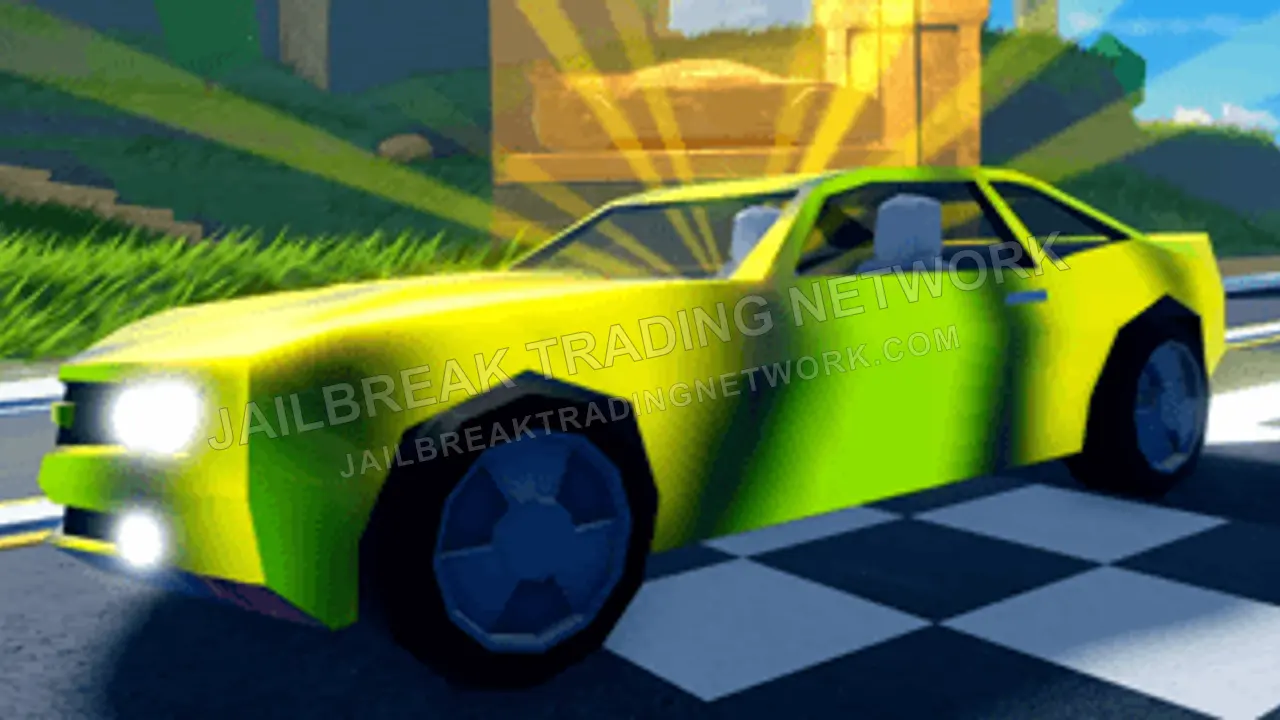
Obtainable ItemHyper Shift 5Hyper Shift V can be obtained by collecting all of the Level 5 hyperchromes in the game, considered to be one of the hardest challenges, giving you a unique gradient color-changing rainbow effect.
Reference OnlyHyper Shift 4Hyper Shift IV does not exist; this item is for reference only, representing the theoretical average combined value of all level 4 hyperchromes when combined. You do not get anything in-game.
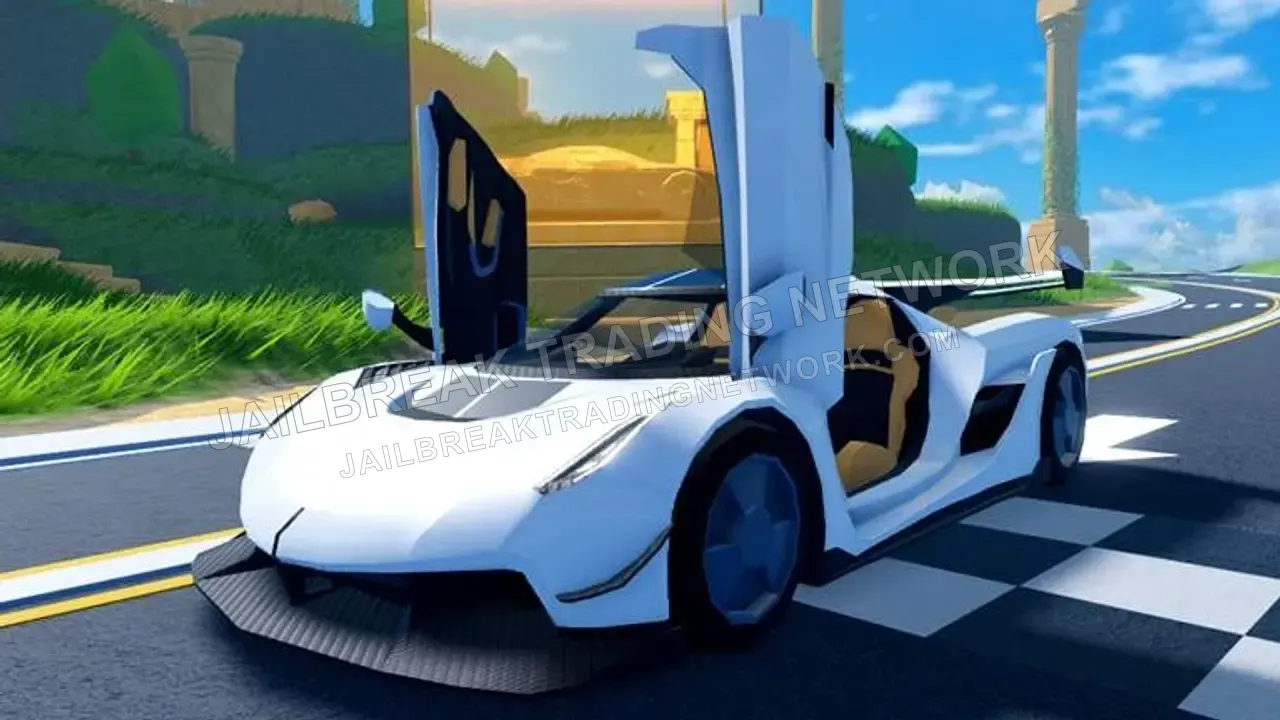
Event ExclusiveJavelinThe Javelin was released as the final vehicle of the 2022 ‘5 Days of Vehicles’ event. It was available for only 48 hours at $929,929 but ranks among the best-performing vehicles.
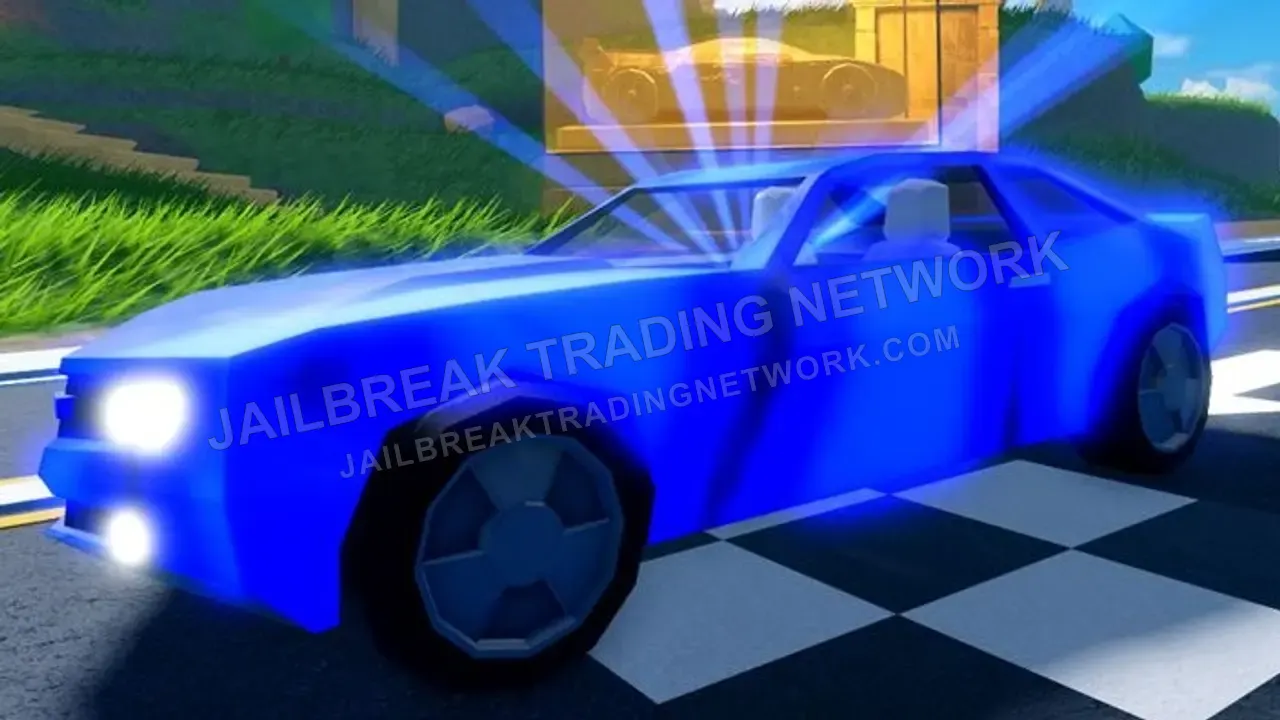
Obtainable ItemBlue 5Hyper Blue can be progressively evolved by grinding the Cargo Plane; many consider it to be the most time-consuming hyperchrome to be unlocked due to the plane's infrequent departures.
Obtainable ItemDiamond 5Hyper Diamond is progressively evolved by grinding the Jewelry Store; it is one of the most popular hyperchrome colors to obtain, and often has grinding shortcuts available to game the system.
Season LimitedVoidThis rim was obtainable during a season and can now only be traded for. The value of this rim is subjective and might vary, as this item will likely only receive offers from collectors.
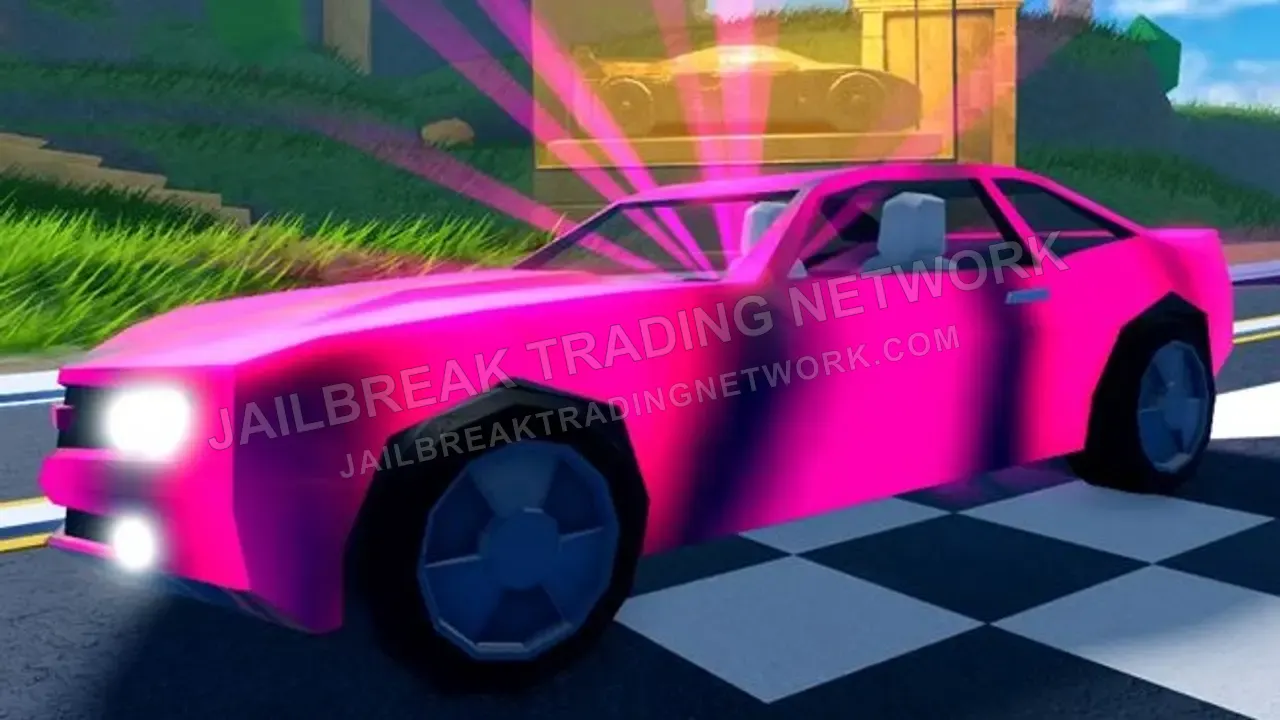 Obtainable ItemPink 5
Hyper Pink can be progressively evolved by grinding the Casino, being straightforward to obtain but considered mostly time-consuming to unlock due to the steps required to rob the Casino.
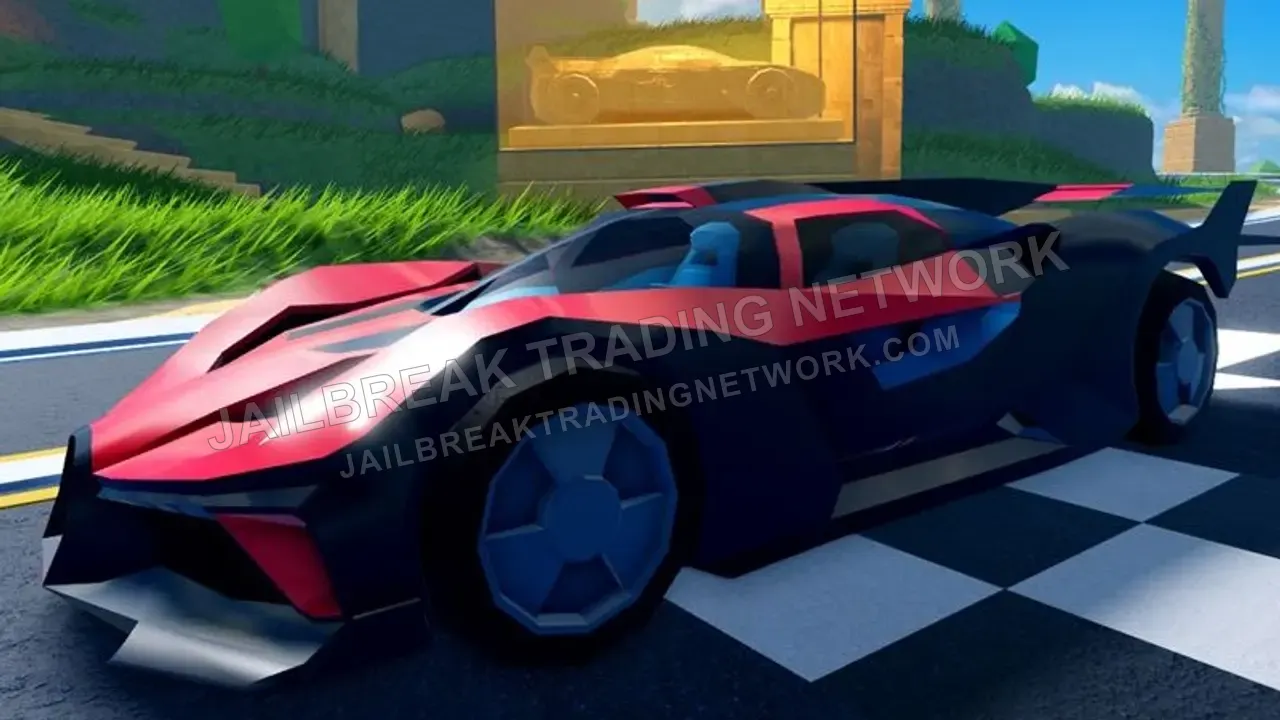 Season LimitedBeignet
The Beignet was obtainable in Season 6: 'Race to the Top' as the Level 10 grand prize. It features good handling and acceleration and can also reach relatively high top speeds.
Jailbreak Trading NetworkJailbreakTradingNetwork.comCancelInstallJailbreak Trading NetworkRecently addedTrade NotesYesterday at 4:12 PMUserJailbreak Trading NetworkJailbreak Trading NetworkFan-Run Value DatabaseHomeValuesToolsMarketplaceSocialMoreLoginAll Values
Browse every limited-item category in one place.
Obtainable ItemHyper Shift 5Hyper Shift V can be obtained by collecting all of the Level 5 hyperchromes in the game, considered to be one of the hardest challenges, giving you a unique gradient color-changing rainbow effect.
Reference OnlyHyper Shift 4Hyper Shift IV does not exist; this item is for reference only, representing the theoretical average combined value of all level 4 hyperchromes when combined. You do not get anything in-game.
Event ExclusiveJavelinThe Javelin was released as the final vehicle of the 2022 ‘5 Days of Vehicles’ event. It was available for only 48 hours at $929,929 but ranks among the best-performing vehicles.
Obtainable ItemBlue 5Hyper Blue can be progressively evolved by grinding the Cargo Plane; many consider it to be the most time-consuming hyperchrome to be unlocked due to the plane's infrequent departures.
Obtainable ItemDiamond 5Hyper Diamond is progressively evolved by grinding the Jewelry Store; it is one of the most popular hyperchrome colors to obtain, and often has grinding shortcuts available to game the system.
Season LimitedVoidThis rim was obtainable during a season and can now only be traded for. The value of this rim is subjective and might vary, as this item will likely only receive offers from collectors.
Obtainable ItemPink 5Hyper Pink can be progressively evolved by grinding the Casino, being straightforward to obtain but considered mostly time-consuming to unlock due to the steps required to rob the Casino.
Season LimitedBeignetThe Beignet was obtainable in Season 6: 'Race to the Top' as the Level 10 grand prize. It features good handling and acceleration and can also reach relatively high top speeds.
Jailbreak Trading NetworkFan-Run Value DatabaseHomeValuesToolsMarketplaceSocialMoreLoginAll Values
Browse every limited-item category in one place.
Obtainable ItemHyper Shift 5Hyper Shift V can be obtained by collecting all of the Level 5 hyperchromes in the game, considered to be one of the hardest challenges, giving you a unique gradient color-changing rainbow effect.
Reference OnlyHyper Shift 4Hyper Shift IV does not exist; this item is for reference only, representing the theoretical average combined value of all level 4 hyperchromes when combined. You do not get anything in-game.
Event ExclusiveJavelinThe Javelin was released as the final vehicle of the 2022 ‘5 Days of Vehicles’ event. It was available for only 48 hours at $929,929 but ranks among the best-performing vehicles.
Obtainable ItemBlue 5Hyper Blue can be progressively evolved by grinding the Cargo Plane; many consider it to be the most time-consuming hyperchrome to be unlocked due to the plane's infrequent departures.
Obtainable ItemDiamond 5Hyper Diamond is progressively evolved by grinding the Jewelry Store; it is one of the most popular hyperchrome colors to obtain, and often has grinding shortcuts available to game the system.
Season LimitedVoidThis rim was obtainable during a season and can now only be traded for. The value of this rim is subjective and might vary, as this item will likely only receive offers from collectors.
Obtainable ItemPink 5Hyper Pink can be progressively evolved by grinding the Casino, being straightforward to obtain but considered mostly time-consuming to unlock due to the steps required to rob the Casino.
Season LimitedBeignetThe Beignet was obtainable in Season 6: 'Race to the Top' as the Level 10 grand prize. It features good handling and acceleration and can also reach relatively high top speeds.
Add to Dock
Jailbreak Trading NetworkJailbreakTradingNetwork.comCancelAddJailbreak Trading NetworkFan-Run Value DatabaseHomeValuesToolsMarketplaceSocialMoreLoginAll Values
Browse every limited-item category in one place.
Obtainable ItemHyper Shift 5Hyper Shift V can be obtained by collecting all of the Level 5 hyperchromes in the game, considered to be one of the hardest challenges, giving you a unique gradient color-changing rainbow effect.
Reference OnlyHyper Shift 4Hyper Shift IV does not exist; this item is for reference only, representing the theoretical average combined value of all level 4 hyperchromes when combined. You do not get anything in-game.
Event ExclusiveJavelinThe Javelin was released as the final vehicle of the 2022 ‘5 Days of Vehicles’ event. It was available for only 48 hours at $929,929 but ranks among the best-performing vehicles.
Obtainable ItemBlue 5Hyper Blue can be progressively evolved by grinding the Cargo Plane; many consider it to be the most time-consuming hyperchrome to be unlocked due to the plane's infrequent departures.
Obtainable ItemDiamond 5Hyper Diamond is progressively evolved by grinding the Jewelry Store; it is one of the most popular hyperchrome colors to obtain, and often has grinding shortcuts available to game the system.
Season LimitedVoidThis rim was obtainable during a season and can now only be traded for. The value of this rim is subjective and might vary, as this item will likely only receive offers from collectors.
Obtainable ItemPink 5Hyper Pink can be progressively evolved by grinding the Casino, being straightforward to obtain but considered mostly time-consuming to unlock due to the steps required to rob the Casino.
Season LimitedBeignetThe Beignet was obtainable in Season 6: 'Race to the Top' as the Level 10 grand prize. It features good handling and acceleration and can also reach relatively high top speeds.
A simplified simulation, not affiliated with Apple, Google, or Microsoft.
Step 1 of 5: Open the Site in Safari. Open the site in Safari, then click Share in the toolbar.
Mac
Works in Safari on macOS Sonoma and later, or Chrome and Edge.
- 1Open JailbreakTradingNetwork.com in Safari.
- 2Click Share in the toolbar, then Add to Dock.
- 3Keep the name or change it, then click Add.
- 4Open it from your Dock or Spotlight.
Windows
Works in Chrome or Edge on Windows and ChromeOS.
- 1Open the site in Chrome or Edge.
- 2Click the Install icon in the address bar.
- 3Click Install. JBTN opens in its own window.
- 4Open it from Start, or pin it to the taskbar.